20 Welcome Credits · 30 Credits per Theme · Secure Local Setup

Codex Dream Skin
Themes for Your Desktop

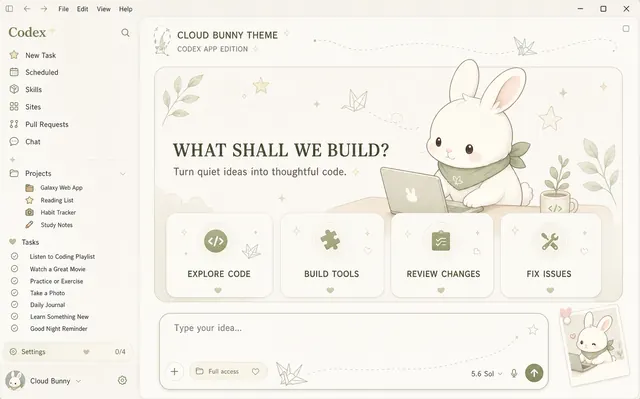
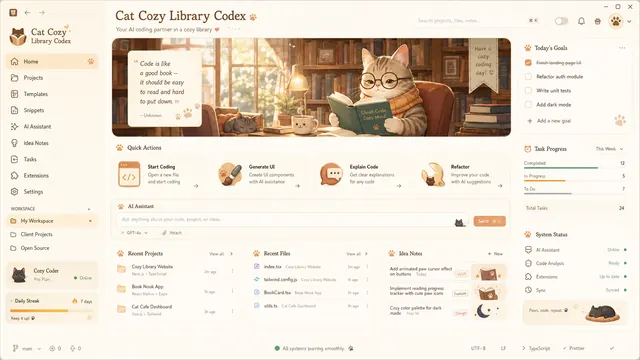
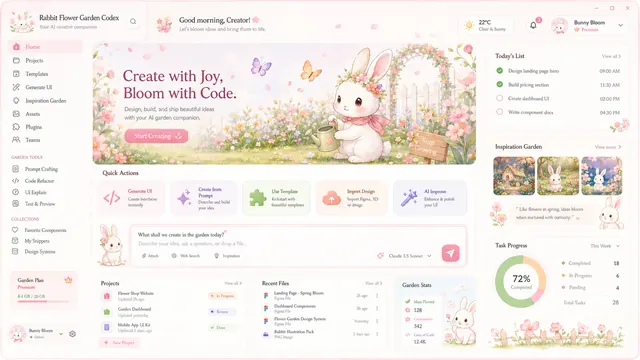
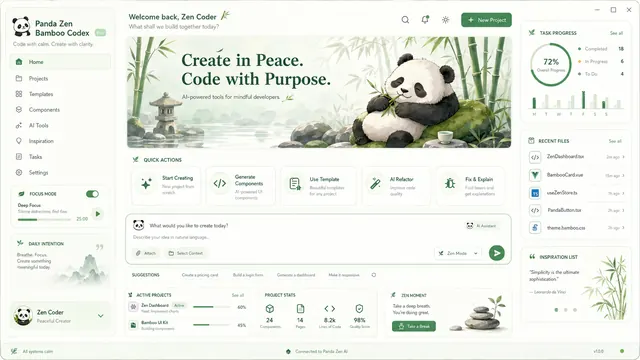
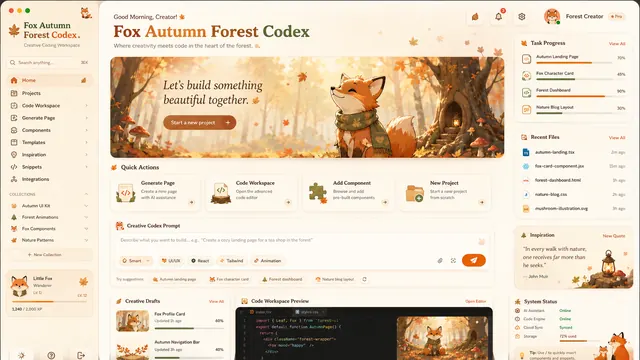
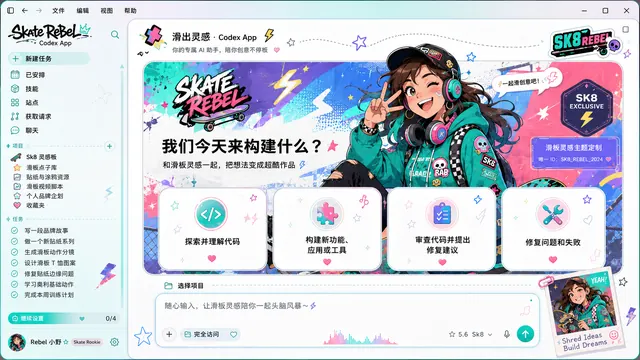
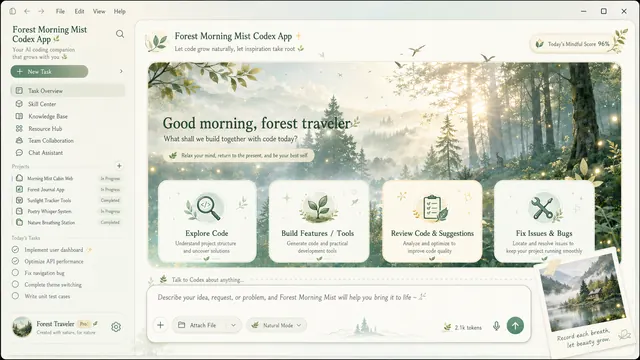
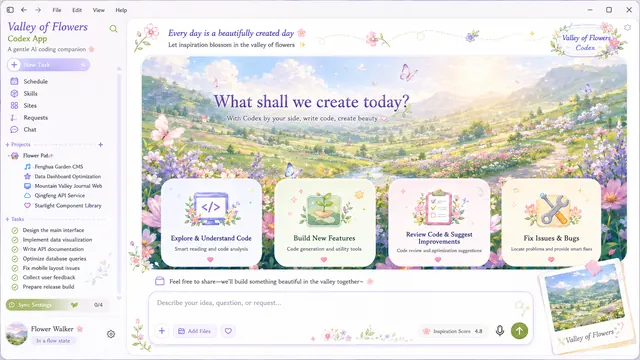
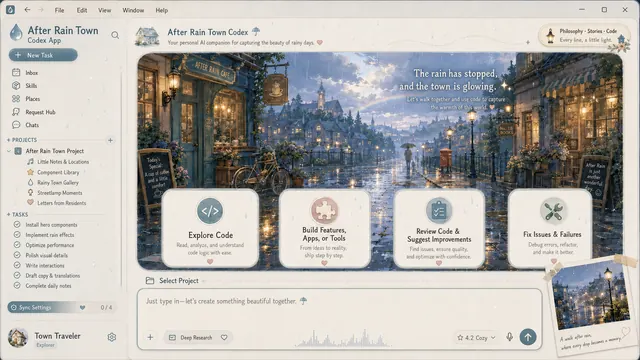
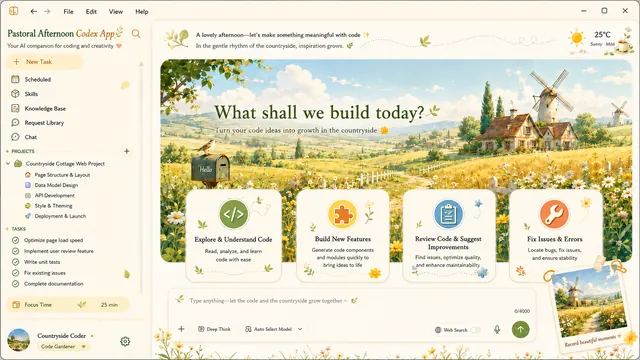
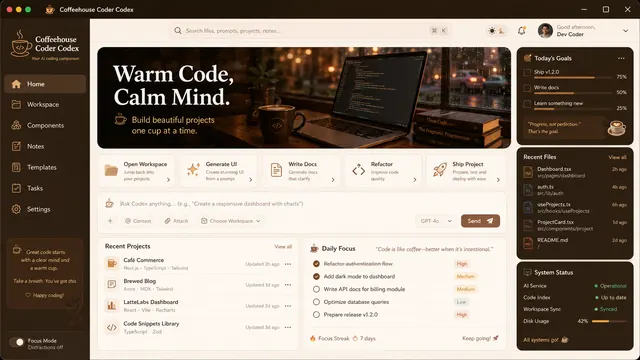
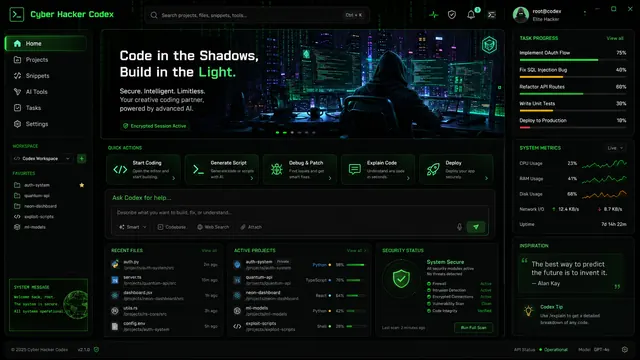
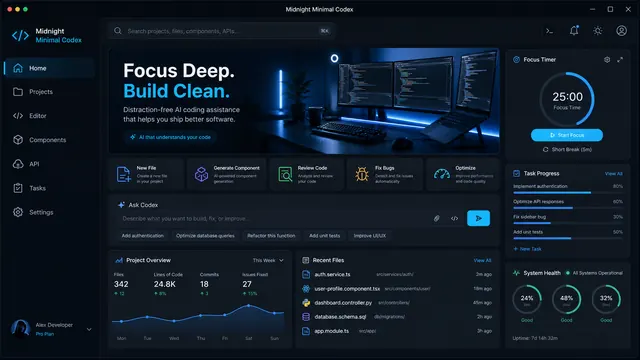
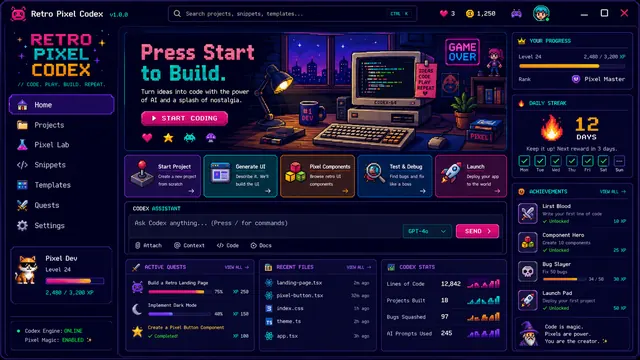
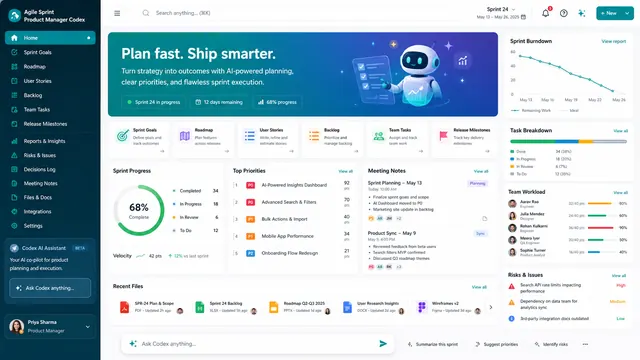
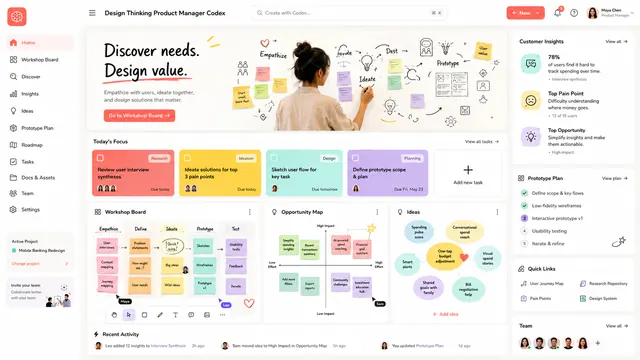
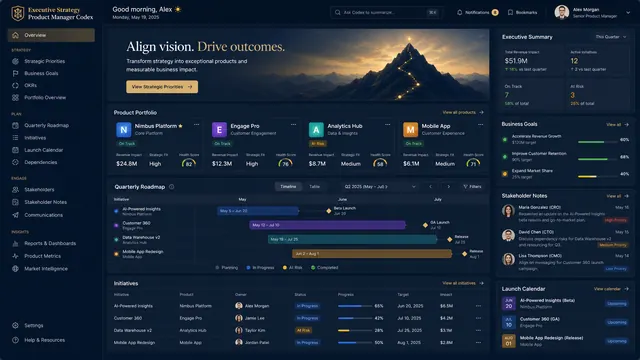
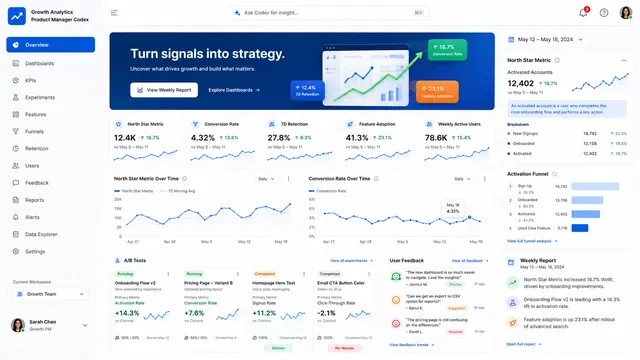
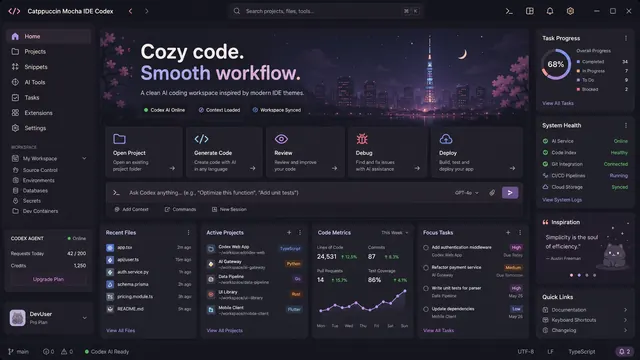
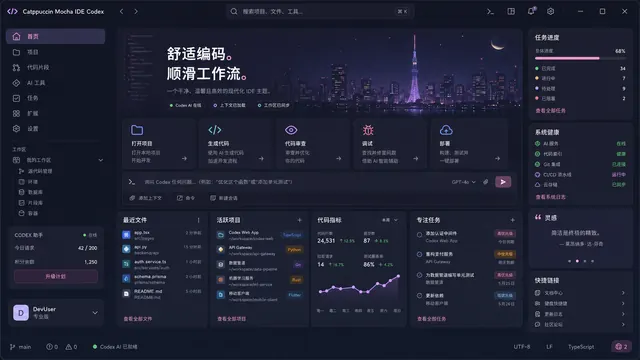
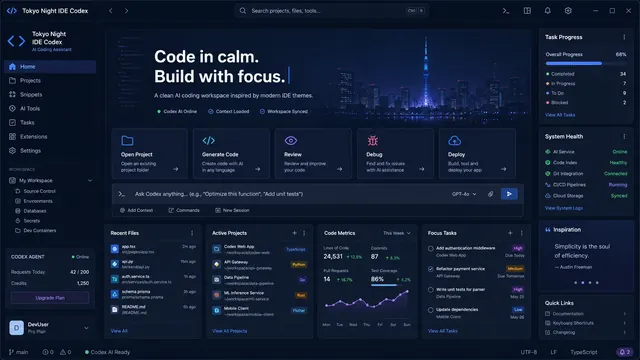
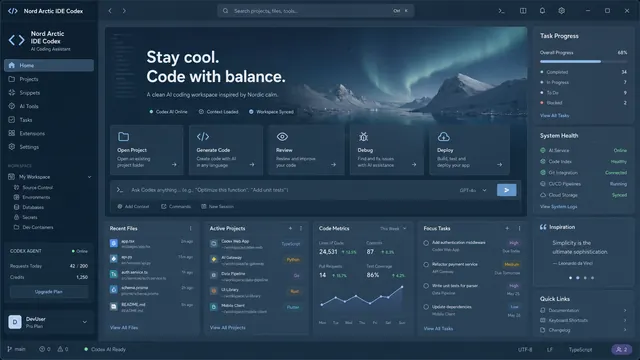
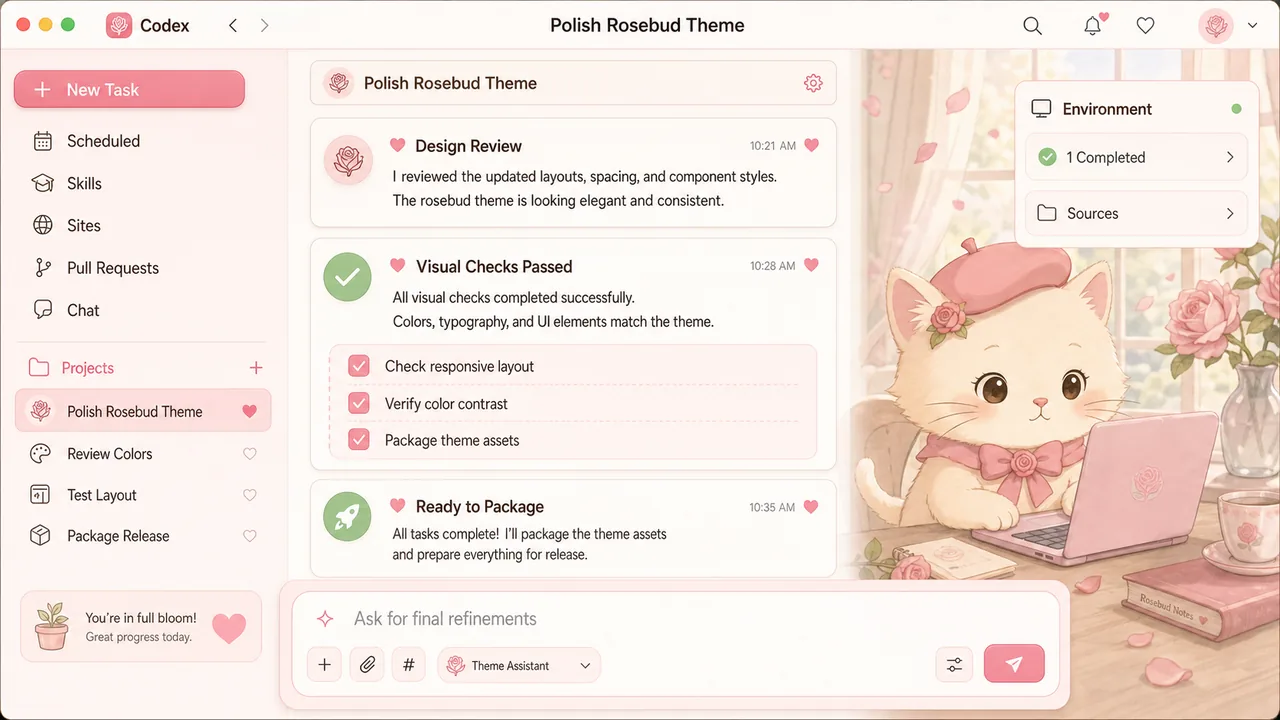
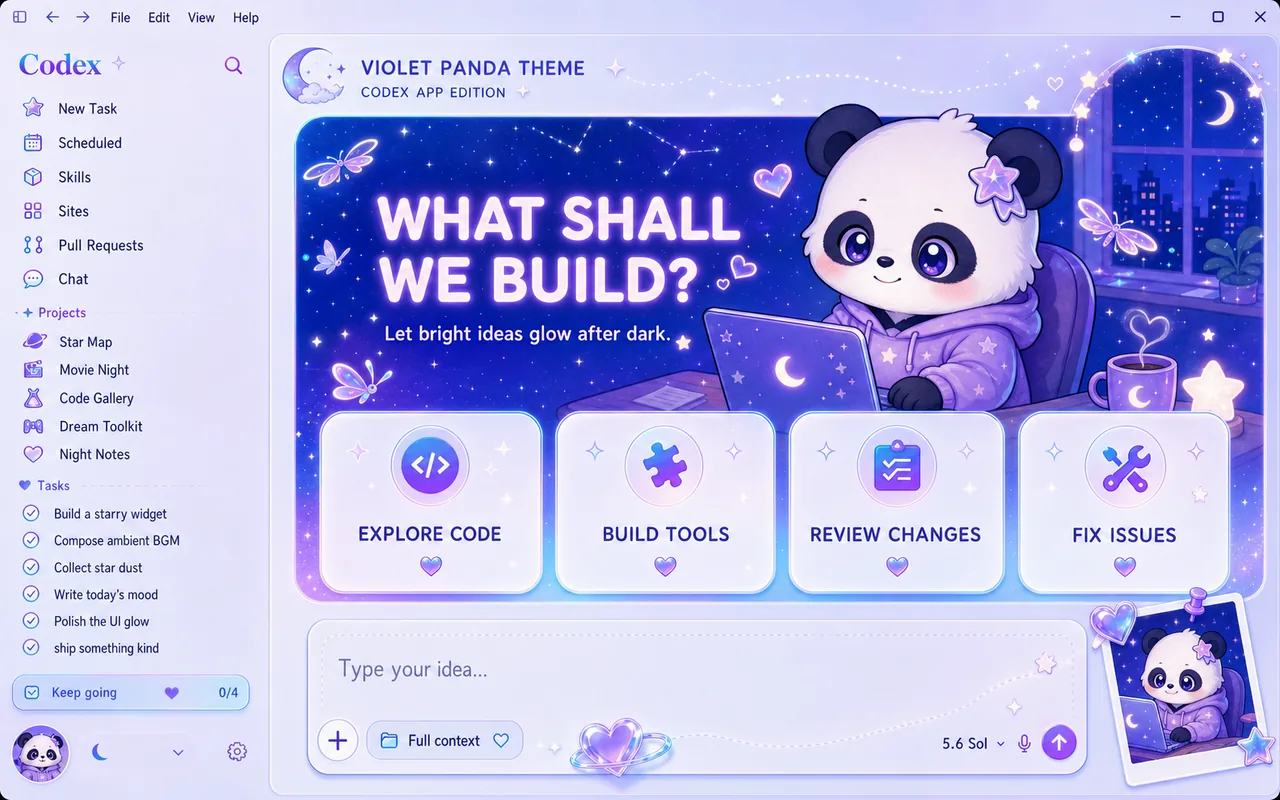
Explore 44 Codex themes and Codex skins across character, anime, landscape, developer, product, and classic IDE styles. Install on macOS or Windows and restore anytime.

Codex Dream Skin

Why Codex Dream Skin?

Original character themes for OpenAI Codex Desktop, with a simple account and credit-based download experience.

🎨

44 Built-in Themes

From Rosebud Cat to Catppuccin Mocha — choose a character, landscape, developer, product, or classic IDE theme that matches your workflow.

🔒

100% Local & Private

Uses Chrome DevTools Protocol on localhost only. Your API keys are never touched. No data uploaded anywhere.

⏱️

60-Second Setup

Download, install, pick a skin — done. The fastest way to customize your Codex desktop.

🖥️

macOS + Windows

Full support for Apple Silicon, Intel Macs, and Windows 10/11. Same experience everywhere.

🎭

Original Theme Library

Forty-four original themes with distinct moods and carefully designed visuals.

⚡

Lightweight Runtime

Pure CSS & DOM injection with a small localhost watcher that exits after Codex closes.

🔒 LOCAL ONLY
🛡️ DATA PRIVATE
🎨 ORIGINAL ART
🔄 ONE-CLICK RESTORE

Install in 3 Steps

From download to a beautifully themed Codex in under 60 seconds.

01

Sign In & Download

Create an account to receive 20 welcome credits + 5 daily login credits. Each theme download costs 30 credits.

02

Install

Double-click the one-click installer on macOS or Windows — that's it.

03

Pick & Enjoy

Choose from 44 built-in skins or add your own. Launch Codex and enjoy your new look.

See It In Action

Rosebud Cat original Codex task interface

Rosebud Cat — macOS Task View

Windows Hero View

Windows — Hero View

Frequently Asked

Codex Dream Skin is an original theme store for the OpenAI Codex desktop application. It lets you apply custom backgrounds and visual themes without modifying official application files. Themes are applied locally at runtime through Chrome DevTools Protocol (CDP).

Yes. Codex Dream Skin only communicates with your local machine via CDP on 127.0.0.1 (localhost). It does not modify the official Codex application binary, .app bundle, or code signature. The engine is explicitly designed to never read or write API keys or Base URLs. Your authentication data remains completely untouched.

Download the package, extract it, navigate to the macos/ directory, and double-click 'Install Codex Dream Skin.command'. A desktop shortcut will be created automatically. Then simply launch Codex from the shortcut to use your chosen skin.

Download and extract the package, open the windows/ folder, and double-click "Install-Windows.bat". The installer automatically closes Codex, installs the skin, and relaunches Codex with your new look. No PowerShell knowledge needed.

Absolutely. Place a JPG, PNG, or WebP image in the theme directory and update the configuration. You can create unlimited custom skins with your own artwork.

Codex Dream Skin is the easiest way to change your Codex desktop background. After installation, simply choose from 44 built-in themes or place your own image in the theme folder. The change applies instantly when you launch Codex — no browser restart or code modification needed.

Codex Dream Skin lets you fully customize your OpenAI Codex appearance with zero coding. Choose from built-in themes, use custom images, or modify the CSS configuration. All changes are applied locally and can be reverted with one click.

The visual work is pure CSS and DOM injection. A small localhost Node.js watcher runs only while the themed Codex session is open so it can reapply the skin after page reloads, then exits after Codex closes.

One click restore. Double-click the "Codex Dream Skin - Restore" shortcut on your Desktop (both macOS and Windows). Your Codex returns to the official appearance instantly. You can also delete the Codex Dream Skin folder to fully remove it.

Creating an account grants 20 welcome credits. Daily login grants 5 bonus credits. Each theme download costs 30 credits. The Pro subscription costs $19.90 and grants 300 credits per billing cycle. Additional credit packs can be purchased separately.

Ready to Give Codex a Fresh Look?

Create an account, choose a theme, and install it in about 60 seconds.

Sign In to Download

~2 MB · 30 Credits